01 · Main pageOne screen.Your whole restaurant.
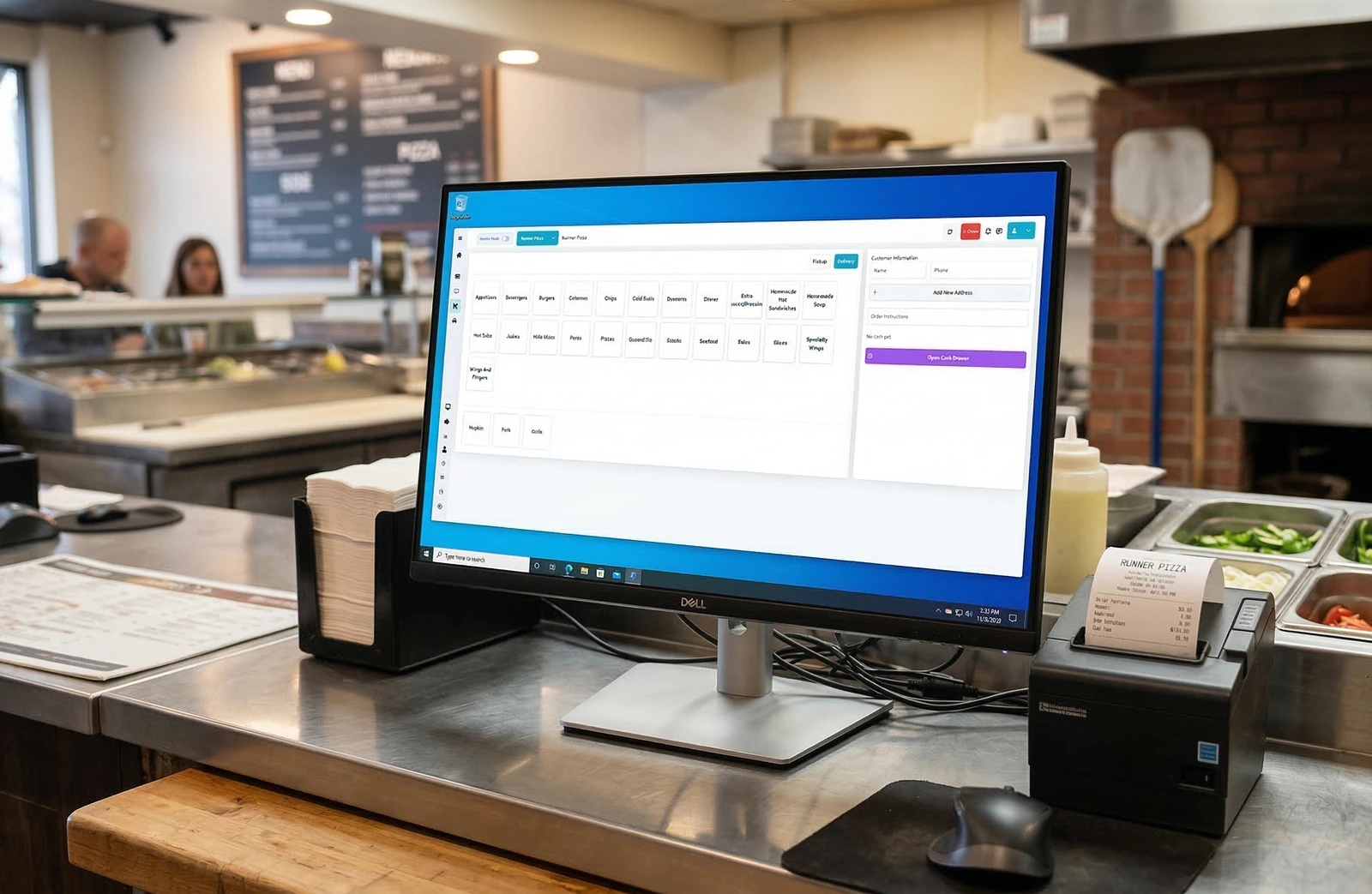
Orders, calls, the kitchen, drivers and the back office. This is the screen the till opens on.
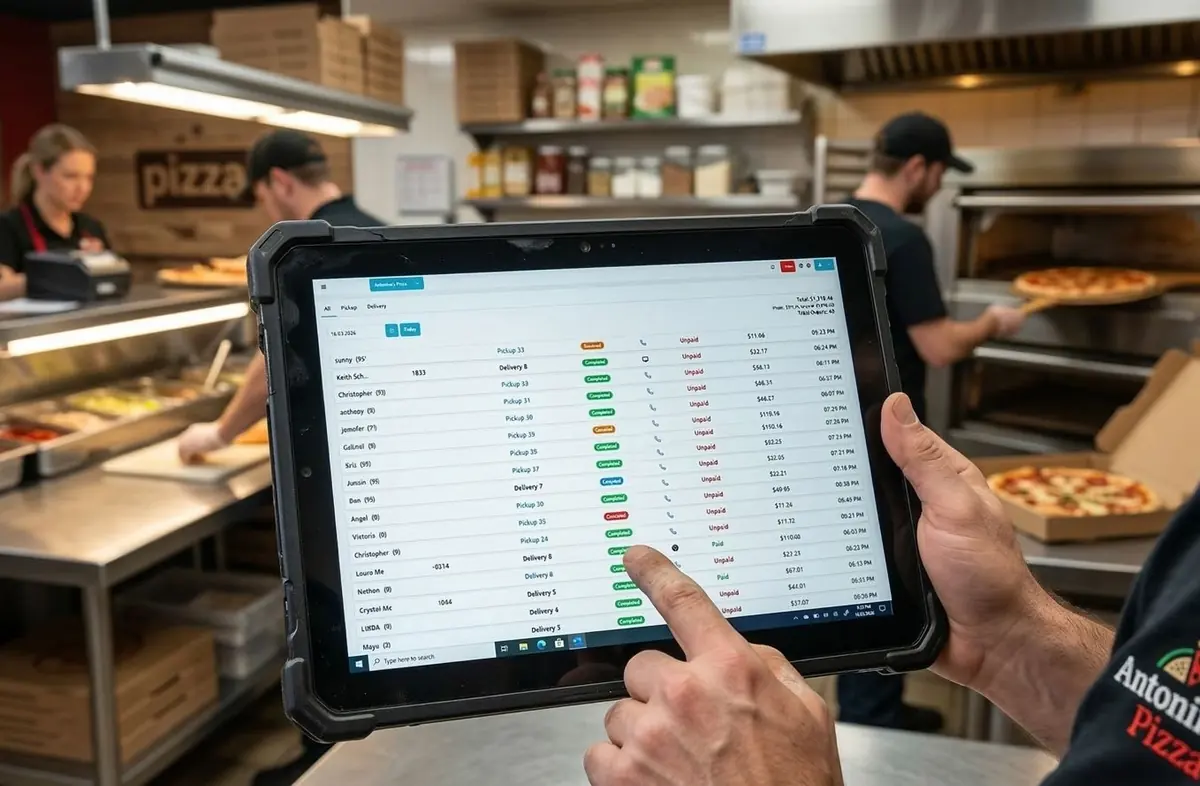
02 · OrdersEvery order,however it arrived.
Phone, website and counter orders land in one list, with what is paid and what is still owed on the same row.
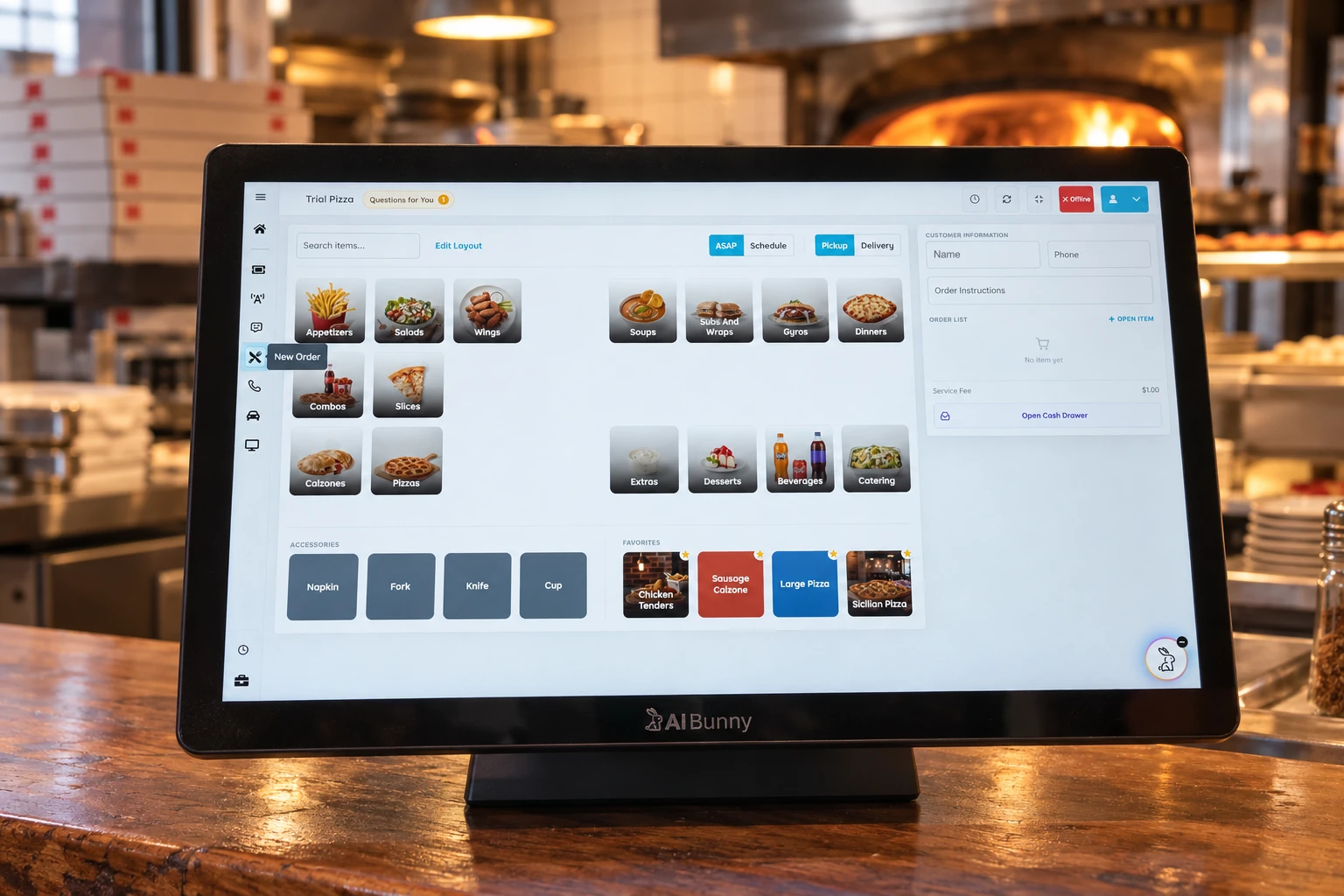
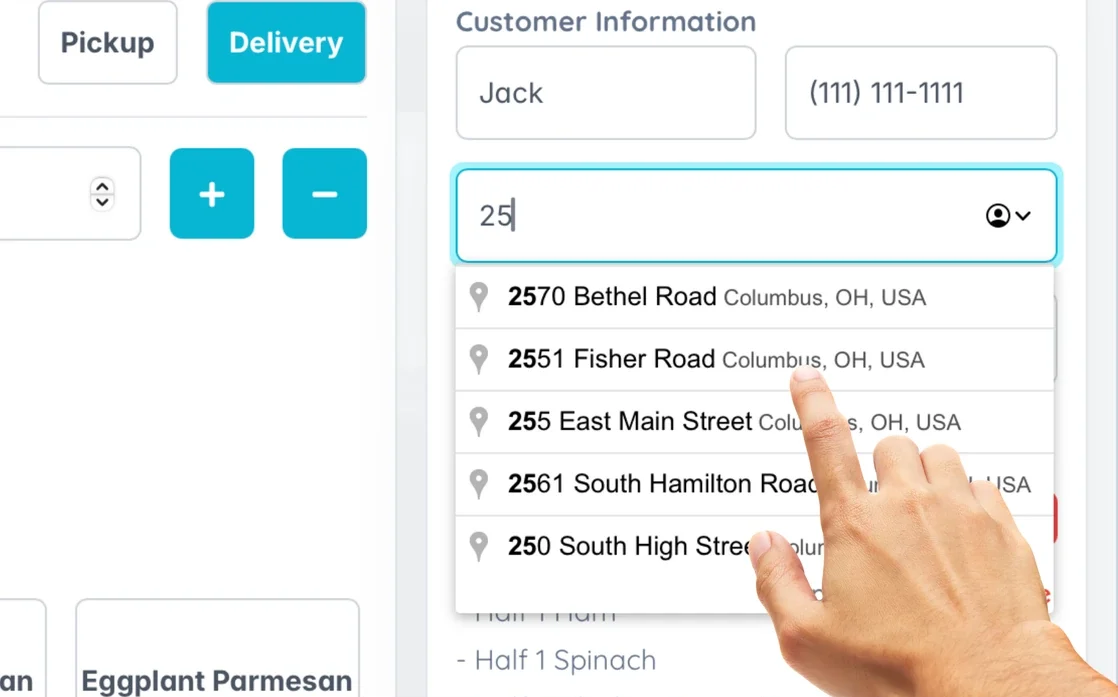
03 · New orderRing up the personin front of you.
The same menu your phone agent and your website use. No second register to switch to.
04 · Caller IDThe phone ringsand you already know.
The caller is on screen with their history before you pick up. One tap starts the order.
05 · DriversHand it towhoever is free.
Tap the waiting deliveries on the map, then hand them to whoever is free. They land in the Driver App with navigation loaded.
06 · EmployeesClock in, clock out,on the same screen.
Open a name and you get the last clock in and out, where they stand right now, and the week to print.
07 · Back officeAnd everythingbehind the counter.
Menu, customers, loyalty, store credit, payments and who on your team can see what.
Live OrdersThe expediter view.What is out, what is waiting.
Every active order with how long it has been running and who is carrying it.
Kitchen DisplayThe line reads itoff the screen.
One board per station. A ticket turns yellow at seven minutes, orange at ten and red at fifteen, and BUMP clears it to the ready bar at the bottom.
Chat HistoriesEvery call and chatthe AI handled.
What was said, how long it took, and what the caller ended up with.
Menu ManagementThe menu, in one place,for every channel at once.
Switch an item off here and it leaves the phone agent, the website and the app together. Prices, photos, coupons and fees live behind the same tabs.
Loyalty ProgramPoints that follow the guest,not the channel.
Set what an order earns and what it takes to redeem, then choose which channels count toward it.
Store CreditMake a bad order rightwithout a refund.
Put a dollar balance on the account and cap how much can go on at once. The guest spends it at checkout.
Customer PaymentsEvery charge, withwhere it came from.
Provider, card and surface on each line, so a question about a payment takes one look instead of three systems.
User ManagementEveryone signs inas themselves.
Each person gets their own login and role, so the counter, the kitchen and the office see only what they need.
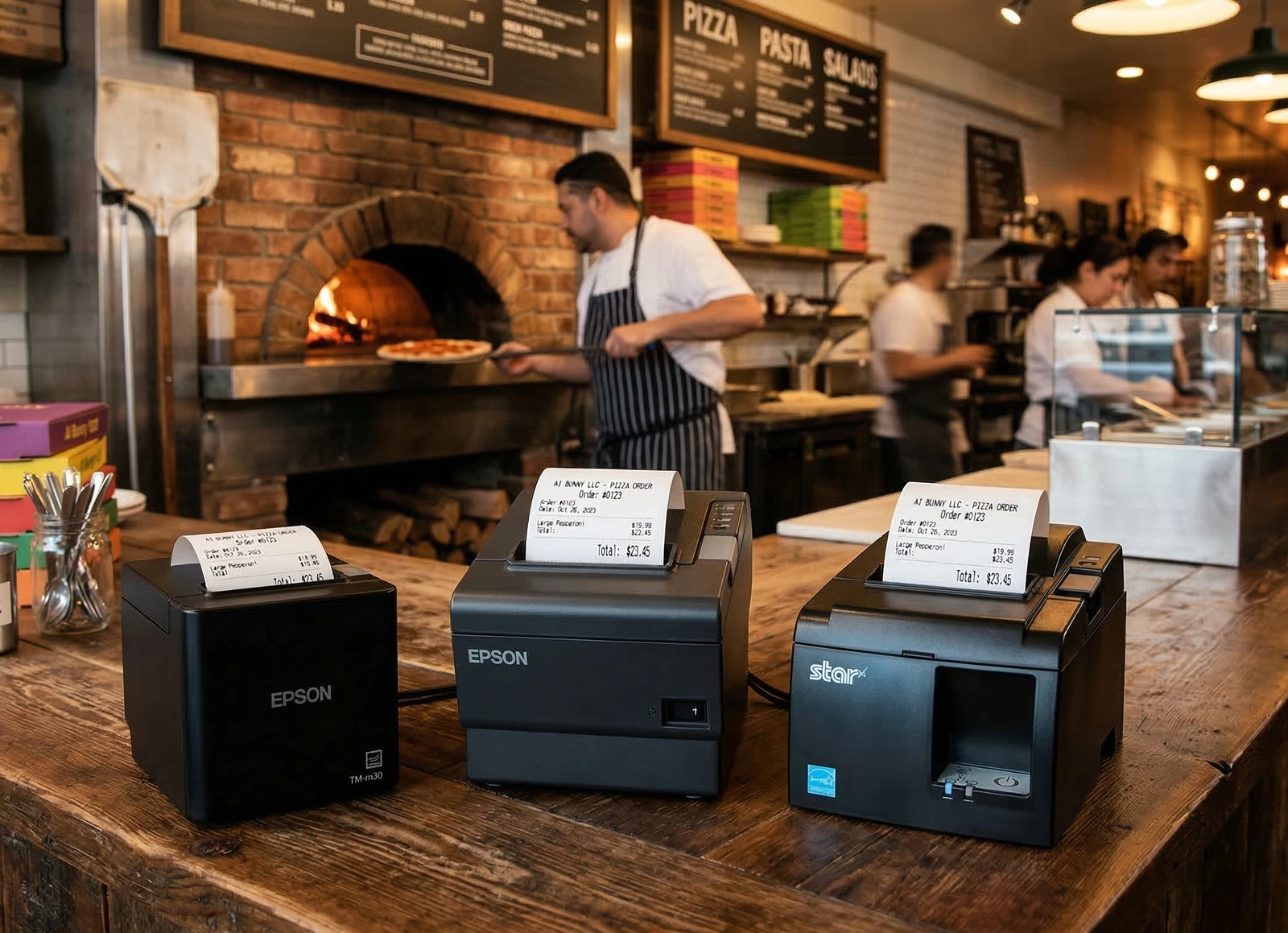
StationsEach register named,each printer accounted for.
Register the tills and tablets once and tickets go to the right printer and payments to the right terminal.
CustomersThe guest list the AIreads from on the next call.
Name, number, address and order history in one row, and a second tab for the numbers you never want to hear from again.
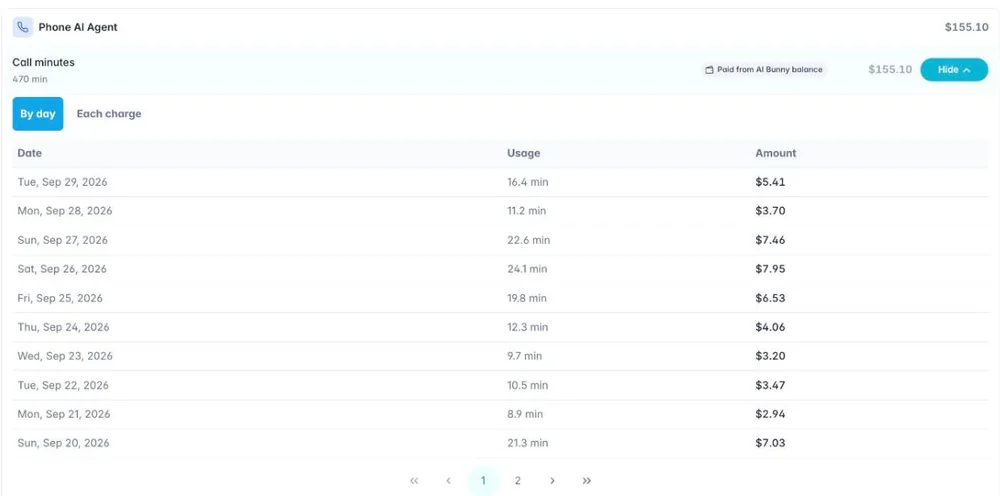
Balance & BillingWhat the AI costs you,to the minute.
One balance, one card, and a plan per product. Set it to top itself up and a Friday night never runs it out. Every invoice and every minute is on the two tabs beside it.
AI Phone AgentKeep your number.Hand over the ringing.
You get an AI number and forward your own line to it with one code, so customers go on calling the number on your door. Then you decide what the agent asks for, and whether it picks up a withheld number at all.
Online OrderingYour own ordering site,off the same menu.
Switch an item off once and it goes from the phone agent, the site and the app together. Tips, unpaid orders and what the site reports back to your tracking all sit here.
POS Dashboard SettingHow the tillbehaves on the counter.
The on-screen keyboard for a touch machine, which screens the drivers can see, whether the day total shows on the order list, and how loud any of it is.
Kitchen Display SystemThe line hears itbefore it reads it.
A sound when an order lands and another when a cook timer runs out, and the minutes at which a waiting ticket turns yellow, orange and red. Seven, ten and fifteen out of the box.
WhatsApp AgentThe same agent,on WhatsApp.
Connect a WhatsApp Business number and it answers there with the same menu, the same prices and the same order list. Nothing to set up twice.
Other SettingsSet once.Everything follows.
Store hours, quoted times, delivery zones and fees, your processor, your tax. The phone agent, the website, the app and the till all read the same answers.
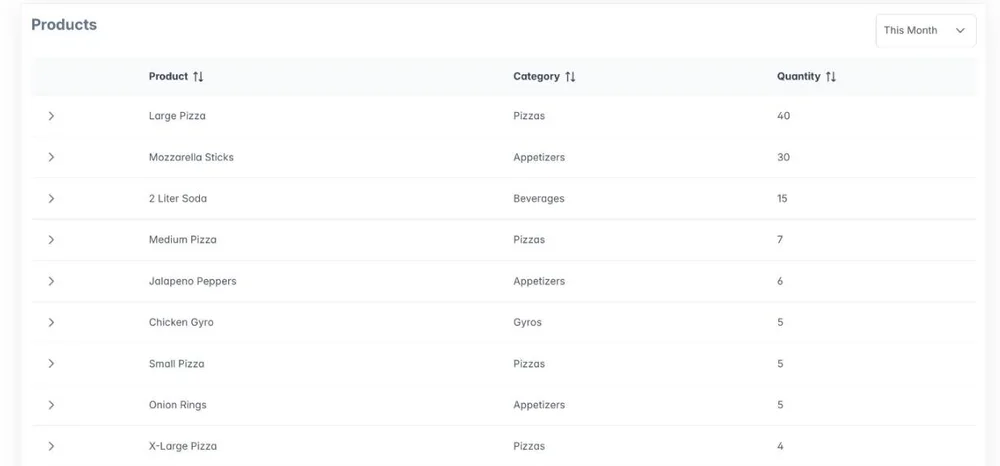
AnalyticsWhat sold, when,and who called twice.
Sales, orders, products and callers by day, week or year, including the calls that arrived while another was already running.
Teach Your AITell it what itshould have said.
Send a correction or a rule for a tricky item and we train the agent on your restaurant, then reply on the same thread.